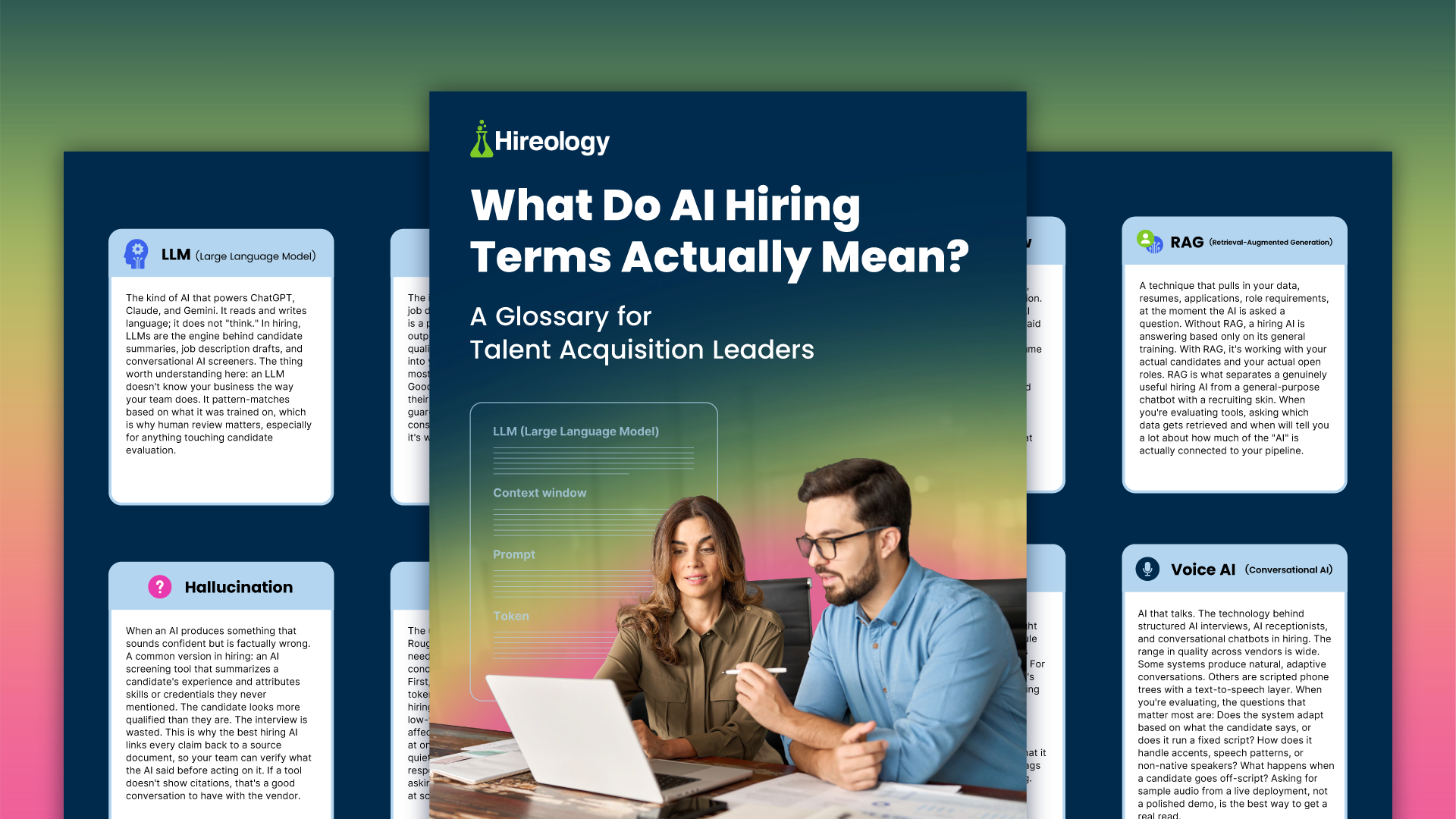
Step-by-Step Prescreen Survey Set Up: From Guesswork to Great Hires
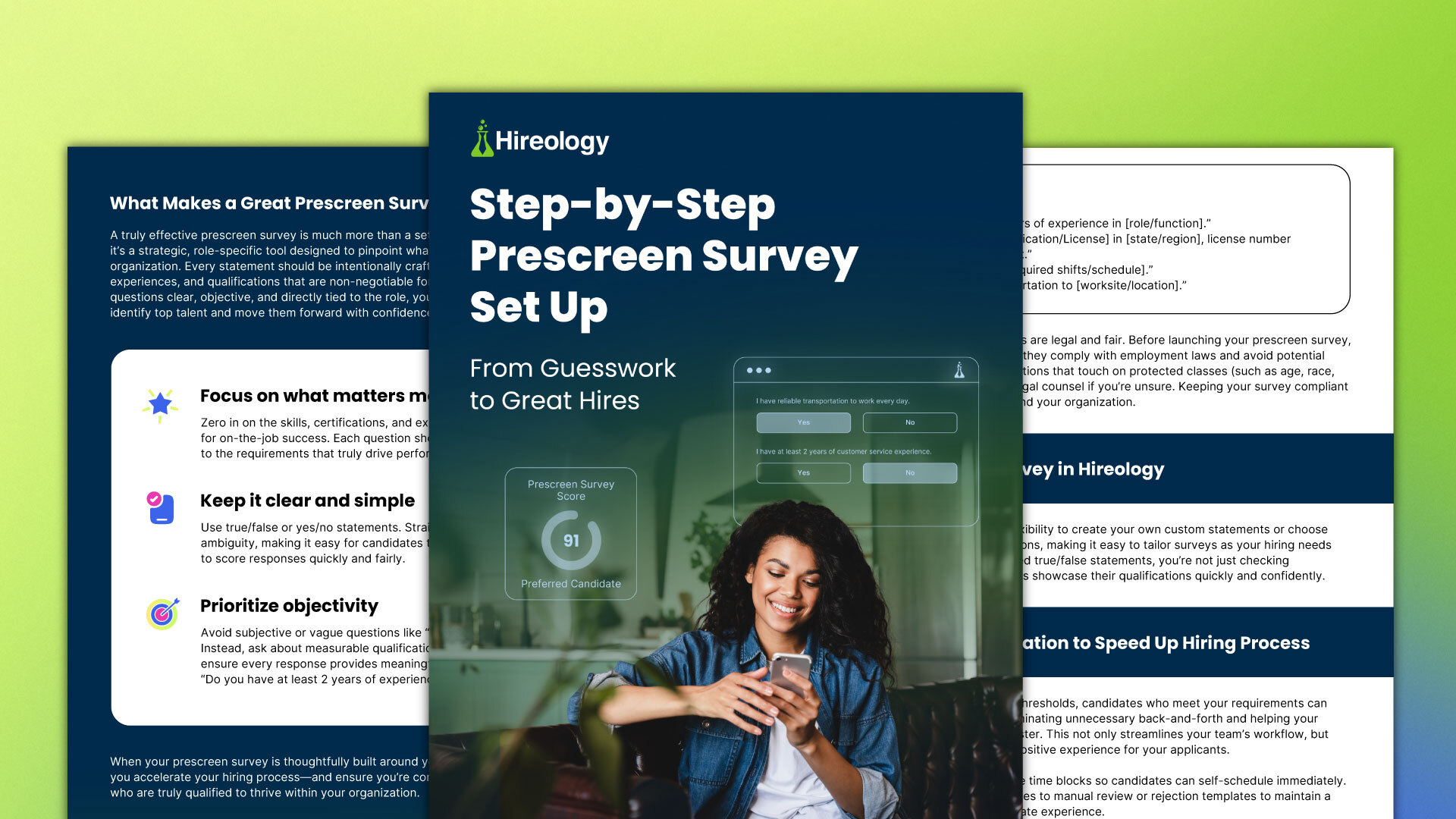
Great hiring isn’t luck — it’s a process. Hireology’s latest guide shows you how to build role-specific, compliant prescreen surveys in Hireology using a mix of pre-written statements and your own, with automatic scoring that instantly highlights qualified candidates and maintains a fair, consistent evaluation across teams.
You’ll learn how to enable automation to eliminate back-and-forth — from candidate self-scheduling to routing lower-scoring applicants — so your team spends less time on logistics and more time genuinely connecting with candidates.
What You'll Learn:
- Define success for each role: Identify non‑negotiable skills, certifications, and eligibility that clearly separate qualified from unqualified candidates .
- Write high‑signal questions: Use yes/no or true/false statements, avoid subjective phrasing, and focus only on criteria tied to job success.
- How to enable automation: Connect calendars so candidates can self‑schedule their interview immediately.
.webp)